RoomCall
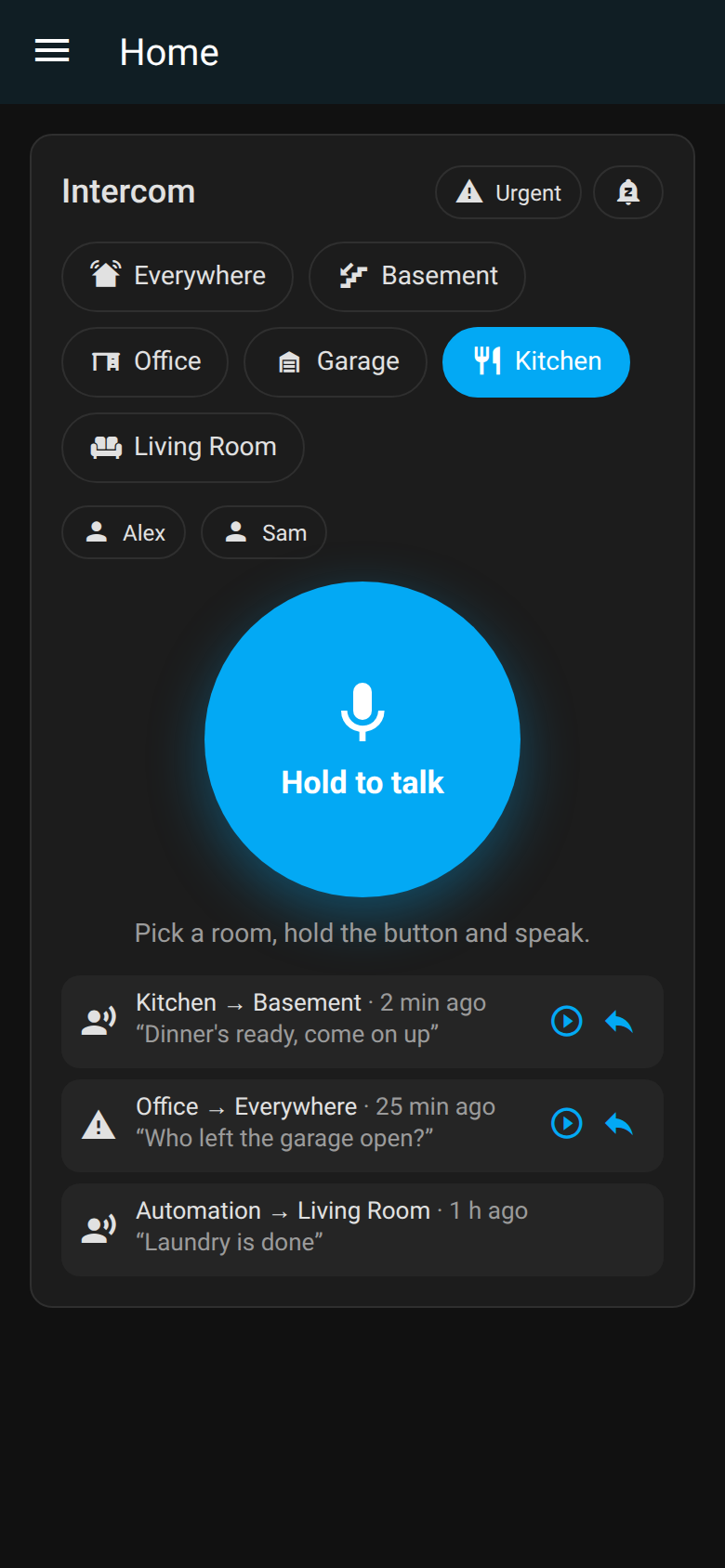
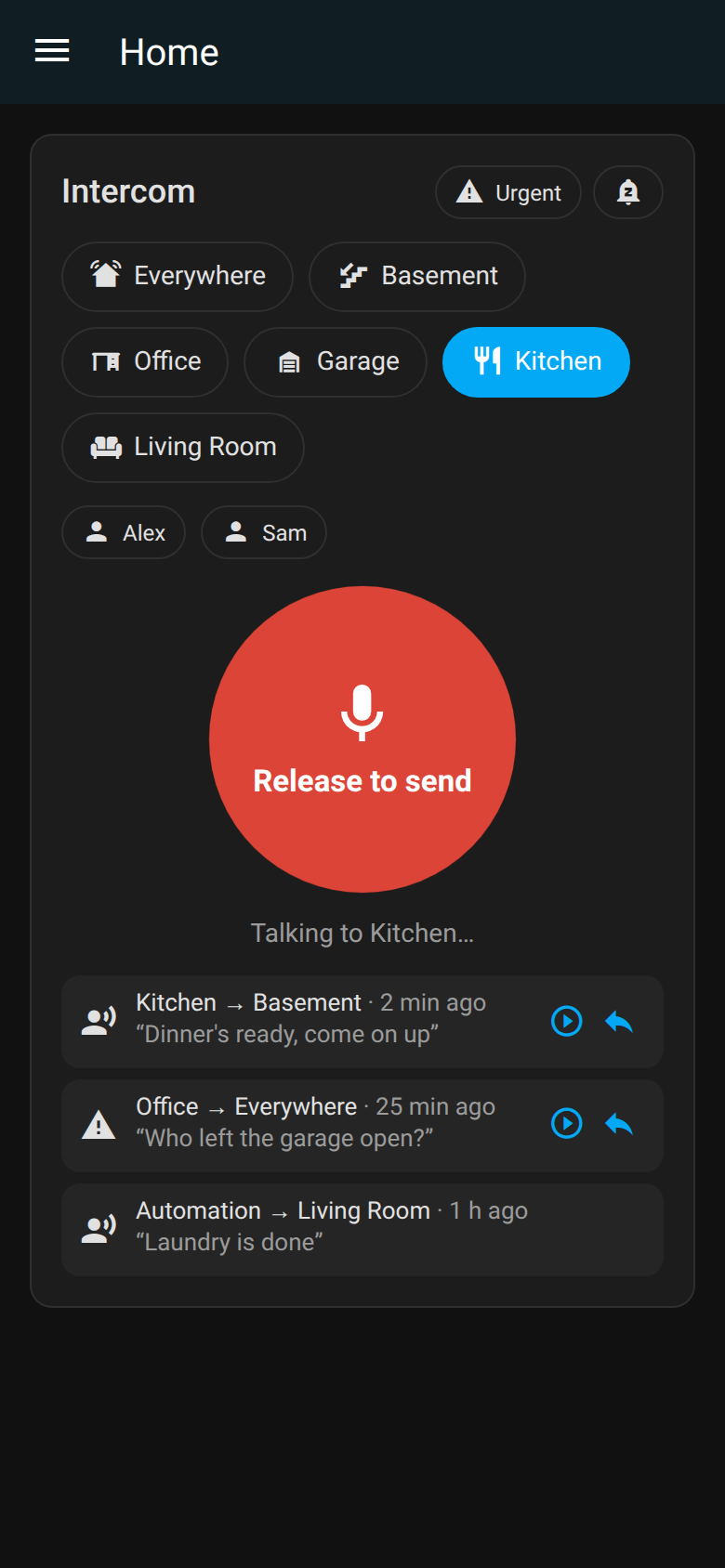
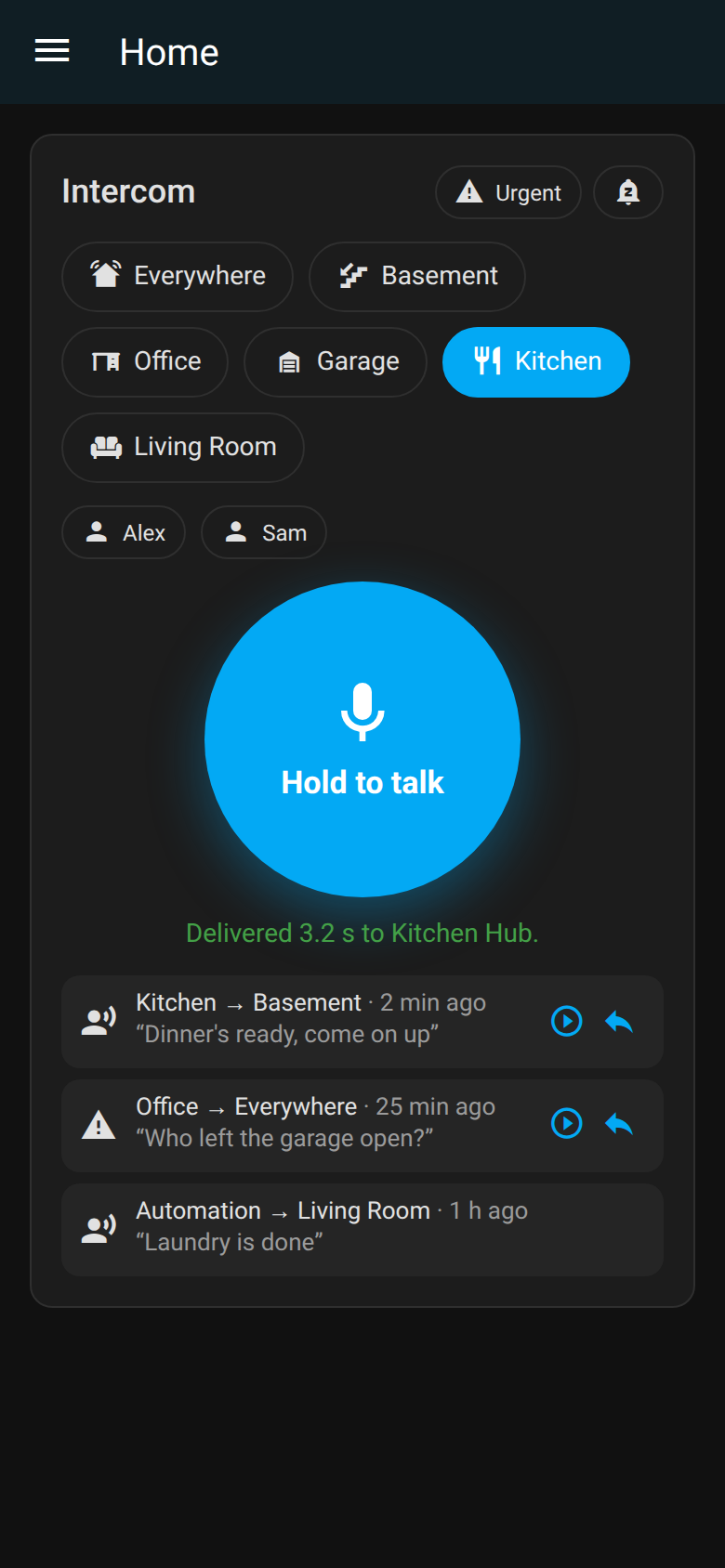
Push-to-talk intercom for Home Assistant, on the speakers you already own. Hold a button, talk, and your voice plays in the room you picked — on Sonos, AirPlay and Google Cast speakers.

What you get
- Hold-to-talk card for any dashboard, in the Home Assistant app or browser.
- Rooms are your areas — talk to one room or everywhere at once.
- Walkie-talkie chirp before each message, and announce mode so Sonos ducks the music.
roomcall.broadcastfor automations: text-to-speech or audio files, per area.- Local only — no cloud, no accounts; audio never leaves your network.
Set it up in Home Assistant → Run it without Home Assistant
Try the standalone app in 30 seconds
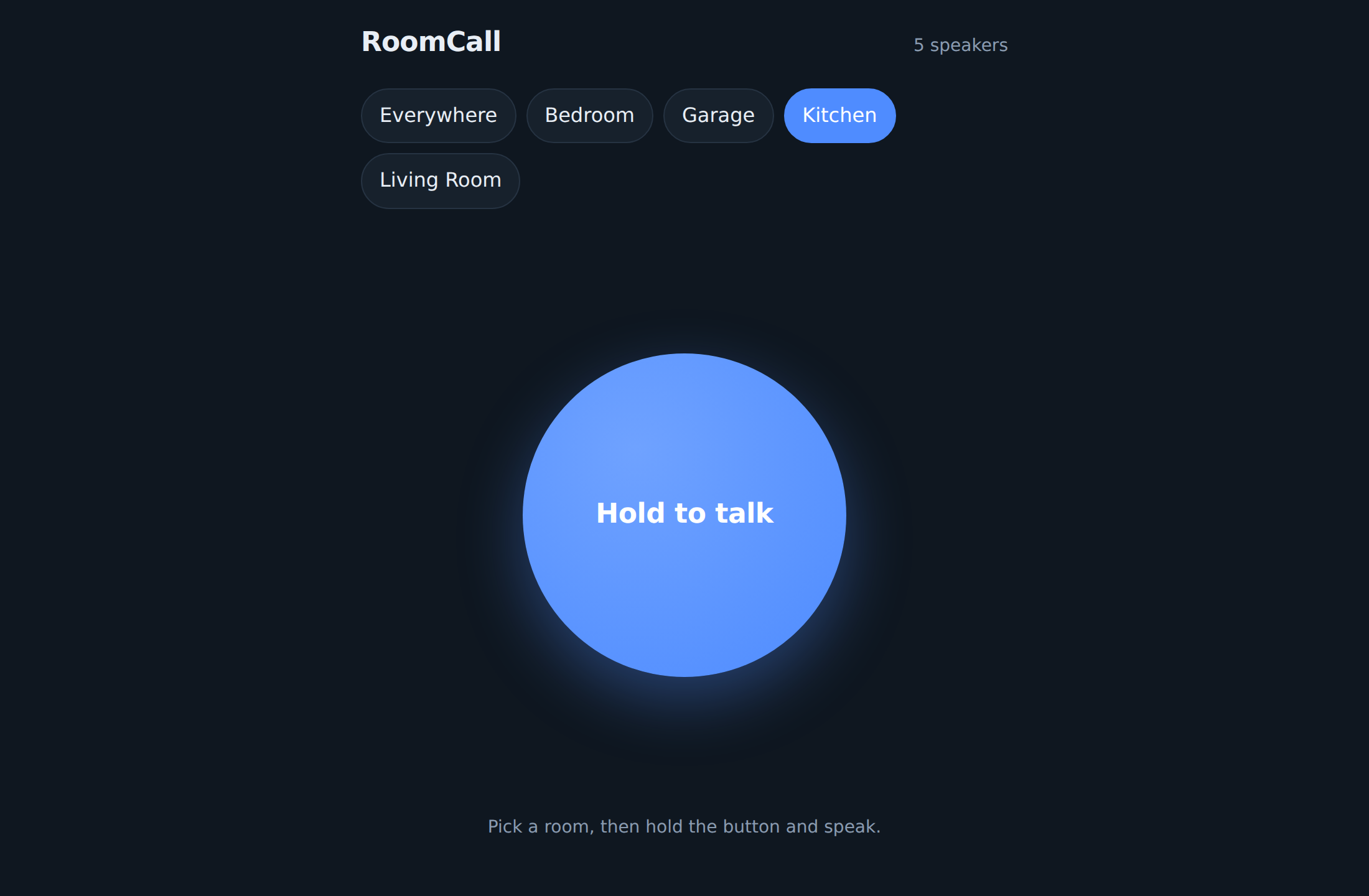
No Home Assistant? RoomCall also runs as its own server with mDNS speaker discovery.
pipx install roomcall
roomcall serve --demo
Open http://localhost:8765, pick a room and hold the button. Demo mode uses fake speakers, so nothing is played.